
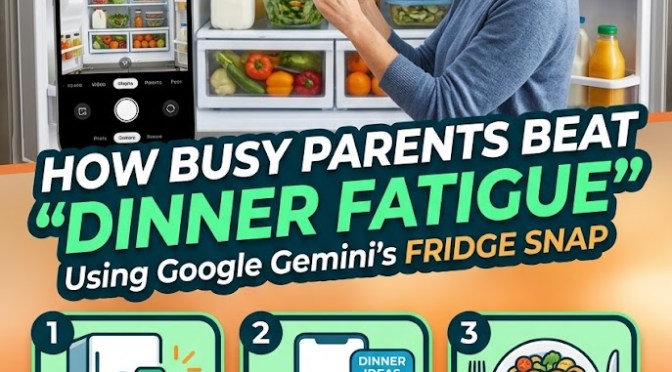
When it’s dinner time and the mental tax of deciding what to make feels heavier than the actual cooking, leverage Gemini’s visual recognition instead of stressing over a recipe search.
Does this sound like you?
It is 5:45 PM on a Tuesday. You just got home from work, the kids are asking what is for dinner, and you are standing in front of an open refrigerator with zero mental energy left to figure out a meal. Deciding what to cook after a long day often feels harder than the actual cooking.
When “dinner fatigue” sets in, you do not need to sit down, type out a long list of ingredients, or scroll through food blogs trying to find a recipe.
Did you know – You can solve this in under 30 seconds by taking a quick photo with Google Gemini. By leveraging Gemini’s visual recognition capabilities, you turn your smartphone camera into a instant sous-chef that reads your fridge shelves, identifies your ingredients, and gives you realistic meal options on the spot.
How to Use the Fridge Snap Tonight
Instead of pulling out ingredients one by one or settling for takeout, use this quick three-step routine:
1.Take a Clear Photo:
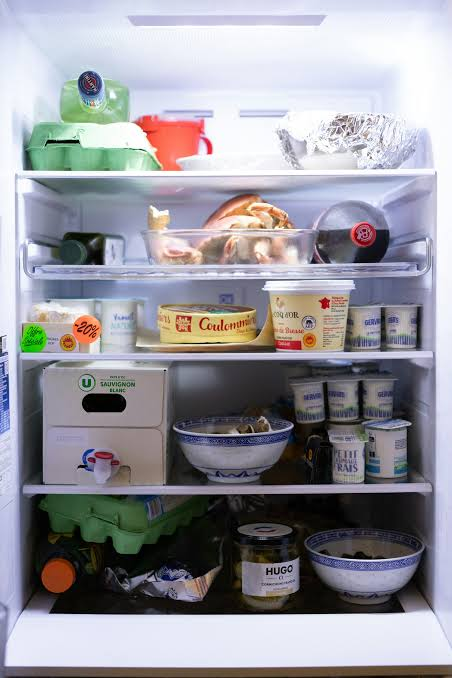
Open the Gemini app, tap the camera icon in the prompt bar, and snap a quick photo of your open refrigerator shelves or pantry setup. Make sure the main proteins, produce, and open jars are reasonably visible.
2.Send the Specific Prompt:
Type or speak this exact prompt alongside your photo:
“Give me 3 realistic 20-minute dinner ideas I can make using ONLY what you see here, plus basic pantry staples like oil, salt, pepper, and butter. Keep prep time under 10 minutes.”
3.Pick and Refine:
Gemini will analyze the image, recognize your ingredients, and give you brief, actionable ideas. If one looks good, reply: “Give me the step-by-step instructions for option #2.”

Why It Works So Well
- Zero Brain Power Needed: You skip the endless scrolling through food blogs with 10-page backstories.
- Reduces Food Waste: Uses up items sitting in the crisper drawer before they go bad.
- Adapts to What You Have: If you’re missing an ingredient, tell Gemini on the spot (e.g., “I don’t have heavy cream, what can I swap in?”) and it adjusts instantly.
Practical Tips to Get the Best Results
- Include the Crisper Drawer: If you have fresh veggies hidden in drawers, pull the drawer open slightly before taking the photo so Gemini can see what greens or vegetables you have left.
- Mention Household Preferences: Add quick constraints to your prompt if needed, such as “Make option #1 kid-friendly” or “Keep it gluten-free.”
- Pantry Add-Ons: If you have canned black beans, rice, or pasta in the cupboard, mention them in your text prompt alongside the fridge photo to give Gemini more building blocks to work with.
Give this quick visual trick a try tonight before reaching for a delivery app—it takes 30 seconds to snap the picture, saves money, and gets dinner on the table fast.

