

Want to delete an old wordpress.com site? Here’s the quick and easy process to do so from WordPress.com Support Page
Step 1 – Visit your site’s settings page by clicking on My Site(s) and then Settings

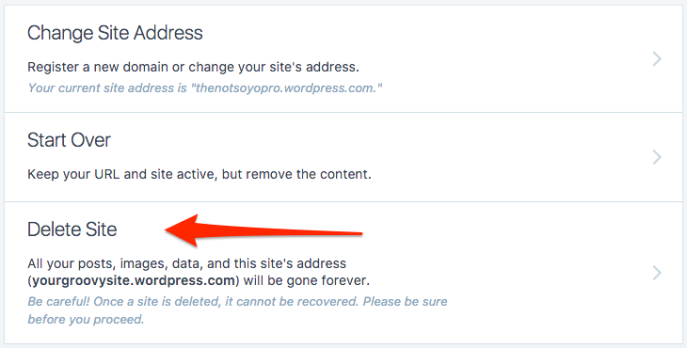
Step 2 – Scroll to the bottom of the Settings page, and select Delete Site
Note that site deletions are permanent!
Reference: https://en.support.wordpress.com/delete-site/
 That Helpful Dad